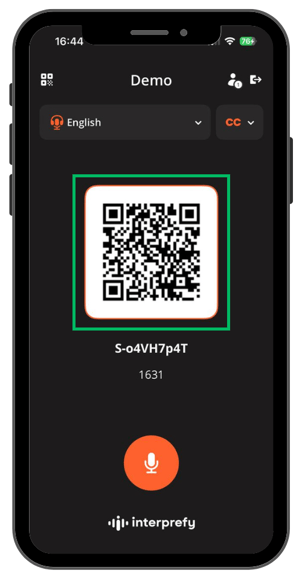
Static QR codes offer a simple and flexible way for participants to access interpretation — especially in scenarios where real-time QR code sharing is impractical. They are ideal for events where the Host is physically separated from the audience or where QR codes need to be printed and distributed in advance. In this context, "static" means fixed — such as when the QR code has been printed beforehand.
This solution combines ease of access with built-in security: a short, four-digit PIN — read out by the Host — ensures that only authorized participants can join. No special setup is required, and all other Interprefy Now QR code options continue to work in parallel.
Use Cases
Static QR codes are useful in situations where:
-
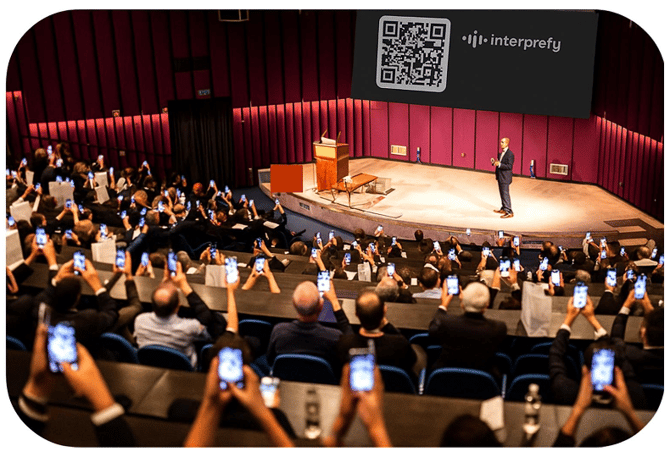
The Host is on stage and physically separated from the audience, such as during a presentation.
-
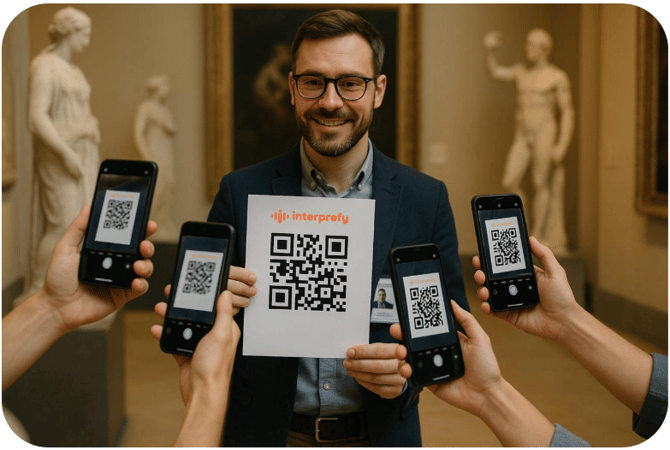
It may be preferable to print and distribute QR codes in advance, for example, during a guided tour or similar setup.
Security
To maintain session security and prevent unauthorized access to the Host role (and so for guests to get their own translation for free), a four-digit PIN is required in addition to scanning the static QR code. The operation is as follows:
-
The organisation pre-prints QR codes according to their Token (their Interprefy Now Virtual Room).
-
Users scan the static QR code.
-
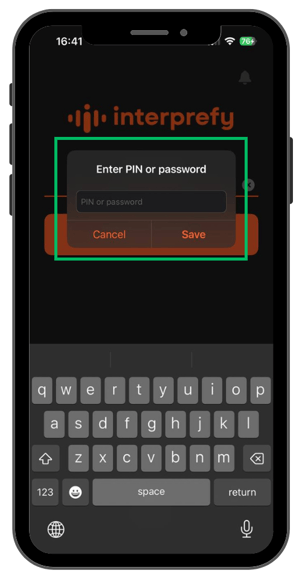
The app asks for a PIN number.
-
The one-time PIN will be announced by the Host at the start of the session.
-
Users enter the one-time PIN to join that session.
-
Only those that know the PIN (and have the Token stored in the QR code) can join.
The use of a short, four-digit code makes it easy to share the PIN verbally with the audience.
However, it is reasonably secure as the code changes every time the Hosts close the session and log out. The next time they log in, the code is renewed.
Please note, if someone shares both the Token and PIN to a third party, that party can join.
Virtual Room setup
No special setup is required when using a permanent QR code.
-
Event creation for Interprefy Now remains the same.
-
The only requirement is that, as organiser, you share the correct QR code with your audience — the designated static QR code for the event.
Important note: Do not change the token itself after sharing the QR code. If the token is changed, any previously printed QR codes will become invalid.
Customer journey
1. Before the session
As organiser, you print the static QR code and displays it in their preferred format — for example:
-
On signboards
-
On lanyards or clothing
-
In the printed programme
2. During the session
Participants scan the static QR code and wait for the Host to announce the four-digit PIN which they enter in the pop-up window in their app.
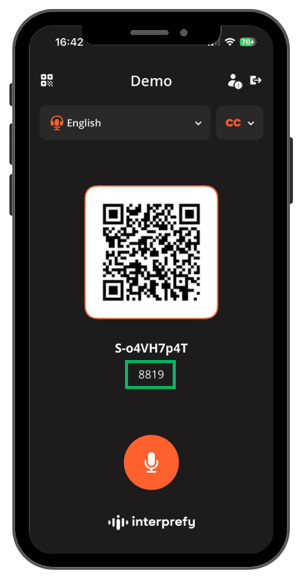
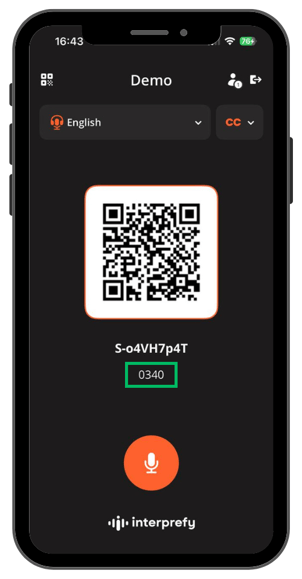
Hosts can see the active PIN code on their own device below the Guest QR code and announce it to participants.
Once participants enter the PIN, they join the session as Guests.
Compatibility
-
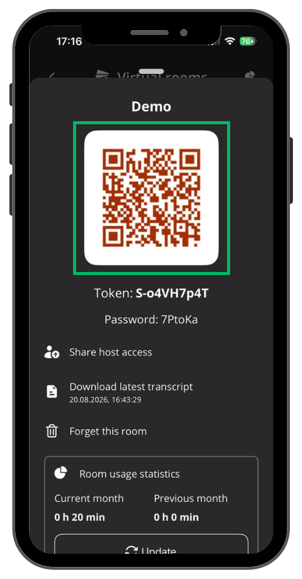
All existing QR code methods still work, for the Host and Guests. The Host QR code is red for easy identification.
-
Participants can still join as Guests by scanning a Host’s or another Guest’s device with the Guest QR code.